

Set Up Microsoft Copilot in Power BI
Microsoft Copilot in Power BI allows customers to ask natural language questions about the Stracl data shown in their Power BI reports. This helps users explore information faster, understand trends, and find insights without needing to build new reports or write complex queries.
- Log In to Power BI Service and Click the Cog Button > Click "Admin Portal"
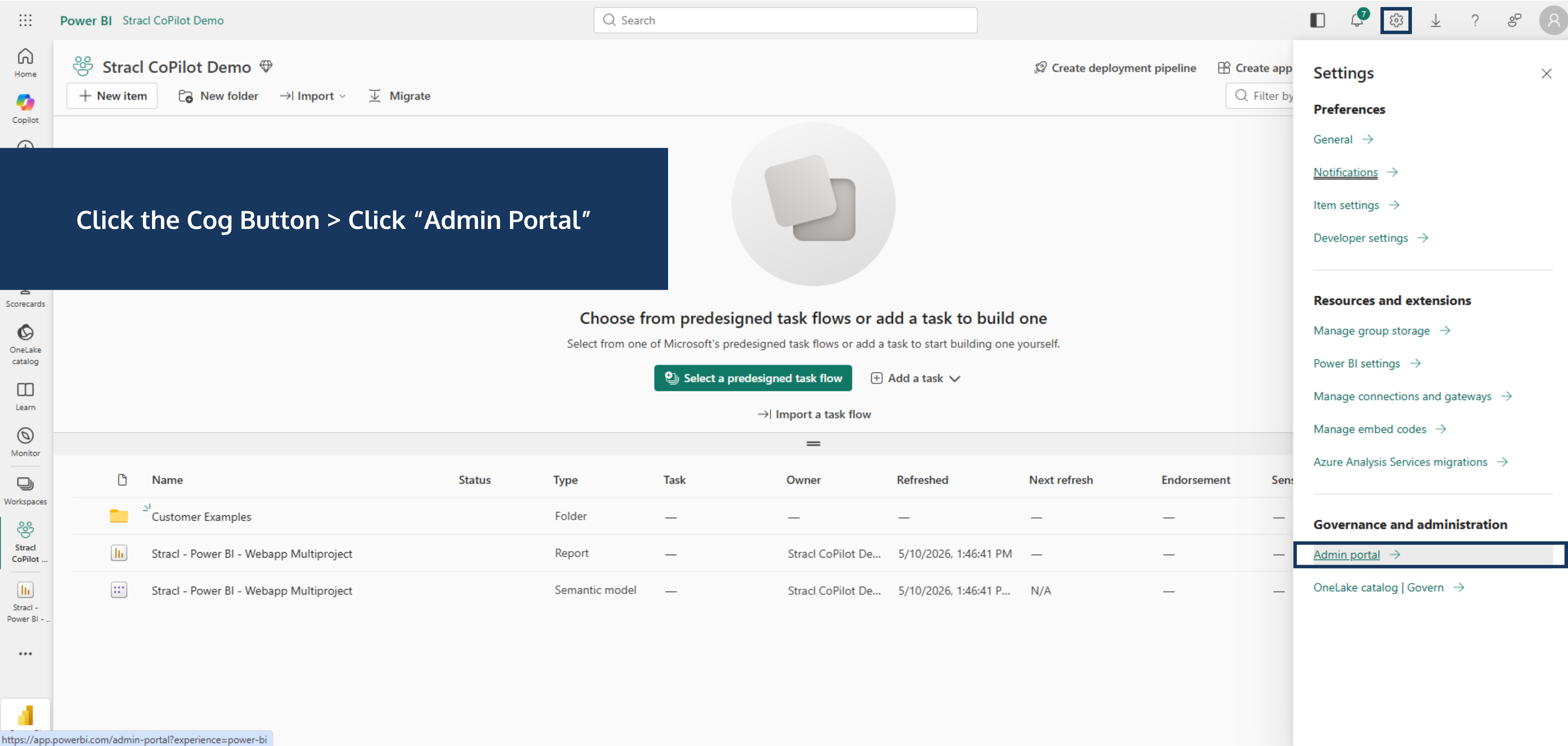
- Ensure Copilot is enabled in the Fabric Admin Portal.
Go to “Fabric Capacity” > Scroll Down to “Workspaces assigned to this capacity” > Click “Assign Workspaces”
.png)
- Assign Workspace > Click "Apply"

- Your Power BI Administrator must then assign that Fabric Capacity to the relevant Power BI workspace
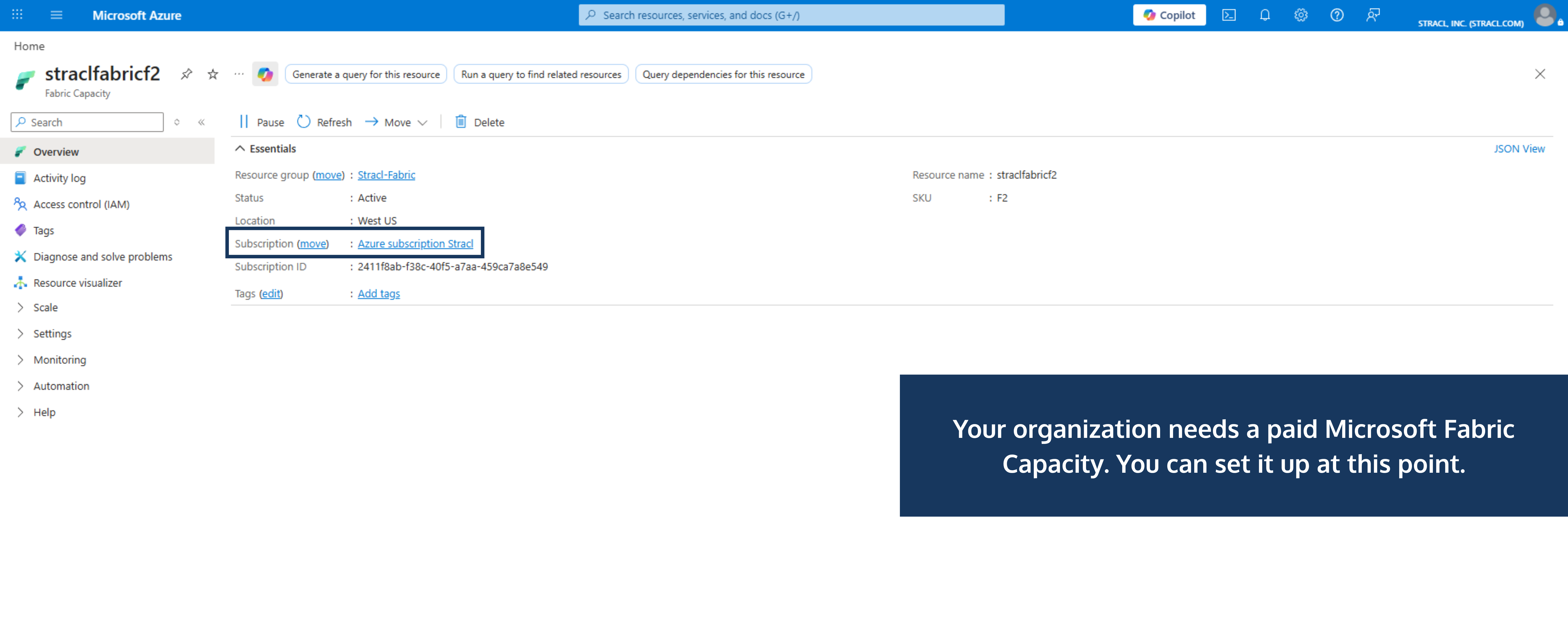
- Once this is set up, users with the correct Power BI permissions and licenses can use Copilot to ask questions about the Stracl data available in their Power BI reports.

Please feel free to share this information with your technical department or Power BI administrator.
Search
Share this Article

